
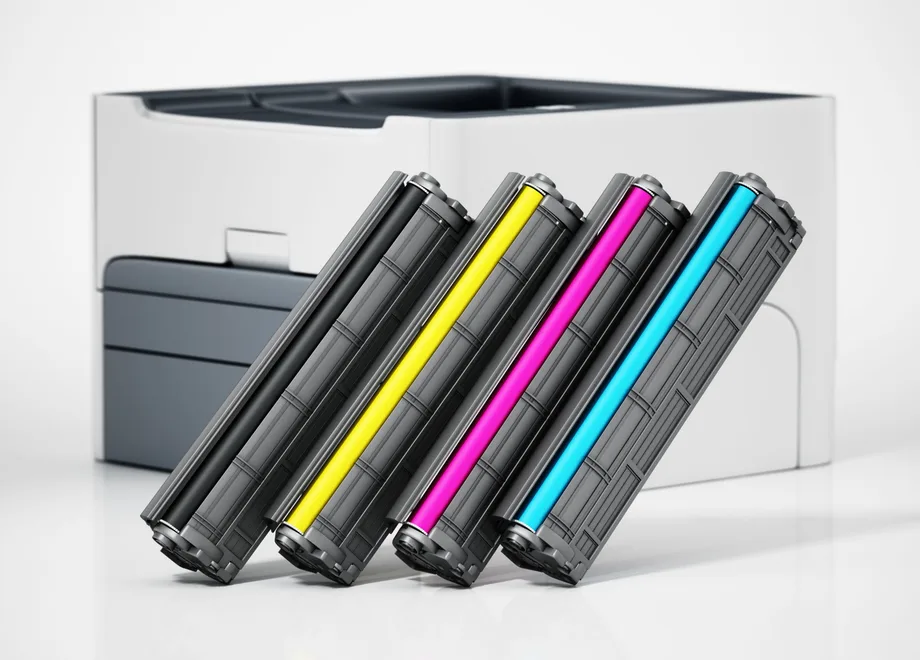
Find the full printer model
Look on the front of the laser printer, near the control panel, or on its model label. The model can also appear in your computer’s printer settings or on a printer configuration page.
Include all letters and numbers: suffixes can distinguish different models. Do not send a printer serial number or network password.
- Copy the complete model name, not just the brand
- Say whether you need black, a particular colour or a full set
- Tell us about any cartridge recognition message
- If you are unsure whether it uses toner, ask the team before ordering
Or use the number on the old cartridge
Look for a cartridge reference on the cartridge label or its box. Copy the full code, including capacity letters and colour references.
If you have the cartridge number, you do not also need to know the printer model to start an enquiry. We may ask for more information if the code is unclear or identifies more than one item.
Toner and drums do different jobs
Toner is the powder used to print. The drum is a component involved in transferring toner to the page. Depending on the printer, the drum can be a separate replacement item or integrated with the cartridge.
A “replace drum” message is not the same as “replace toner”. Copy the exact message and tell us the printer model so we can check what is required.
Tell us what matters for your order
Include the quantity, your delivery postcode, any deadline and any toner requirements. We check compatible and remanufactured toner first where available for your printer; original toner is also available. If there is a purchasing policy or print contract, mention it.
We use this information to check the cartridge and prepare your quotation. The model entry tool passes your details to the enquiry form; it is not an automatic compatibility database.